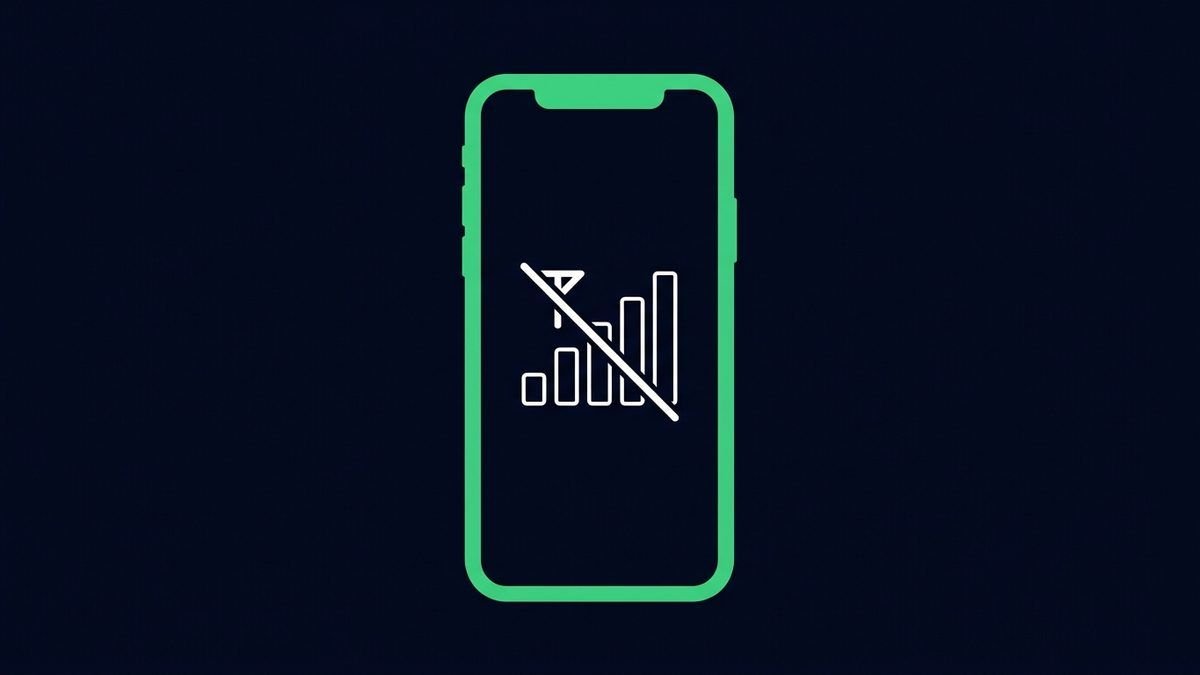
'No service' is either the SIM, the phone's radio state or genuine coverage. Isolating which takes three quick tests, and most cases end at a re-seated SIM.
- 1Toggle airplane mode; then restart the phone.
- 2Power off and re-seat the SIM; inspect contacts, clean gently with a dry cloth.
- 3Manual network selection: Settings → Network → SIM → automatically select network OFF → pick your carrier → back ON.
- 4Test SIM in another phone (SIM dead?) and another SIM in yours (phone radio dead?).
- 5Check carrier outage maps/social; rural areas may simply lack your band.
- 6Update the system, carrier settings ship in updates.
Tip: A phone that lost signal after a drop or water may have a damaged antenna, that one is a repair-shop diagnosis.